
Season stats and standings
See the club’s record and season statistics, then place the results in context with league standings. Goals for and against, home and away form and other team totals are shown where available.
Follow the club. Feel the game.
Your club has a story beyond the score. Follow the roster, the race up the standings and the next puck drop, then get closer to the game with match stats, plays and ChirpChat.
Opens the web app in a new tab.
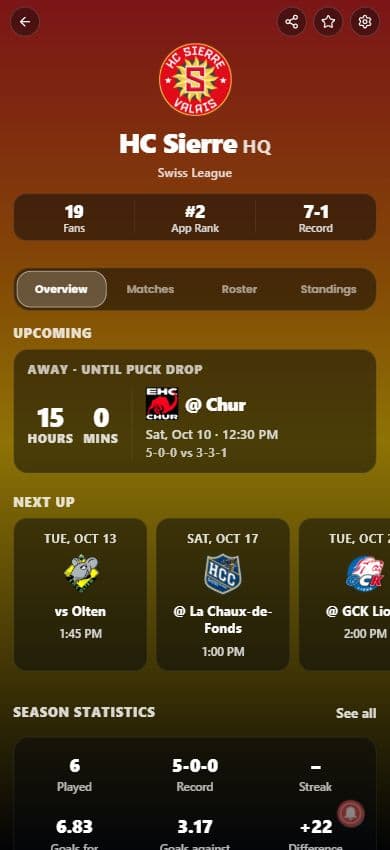
The season picture
Open your club’s HQ and move between Overview, Matches, Roster and Standings. Follow partner clubs such as HC Sierre and Milano HC, with the team context that makes every fixture mean more.
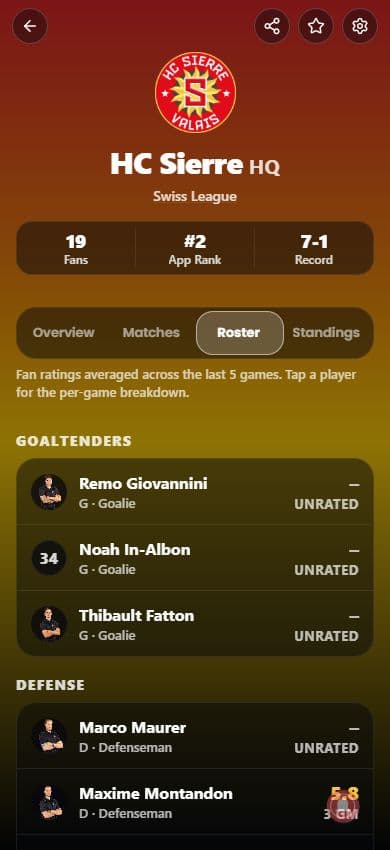
Screen 1 of 2
See the club’s record and season statistics, then place the results in context with league standings. Goals for and against, home and away form and other team totals are shown where available.
Find the players who make up your club’s roster. Keep the names behind the game close as the season unfolds.
Check upcoming fixtures and recent results in Matches. The next puck-drop countdown makes it easy to see what is coming up.
Inside the match
Team HQ brings the season together. Open a fixture to follow that game in the match center, where stats, plays and the fan conversation sit alongside the score.
Follow the match score and available stats. Compare head-to-head results and other match insights, including win probability when supplied.
Follow the sequence of game events in Plays. Where play-by-play coverage is available, catch up on how the game reached its current score.
Bring your reactions to the match conversation in ChirpChat. It is the place for the moment-by-moment fan take, right alongside the game.
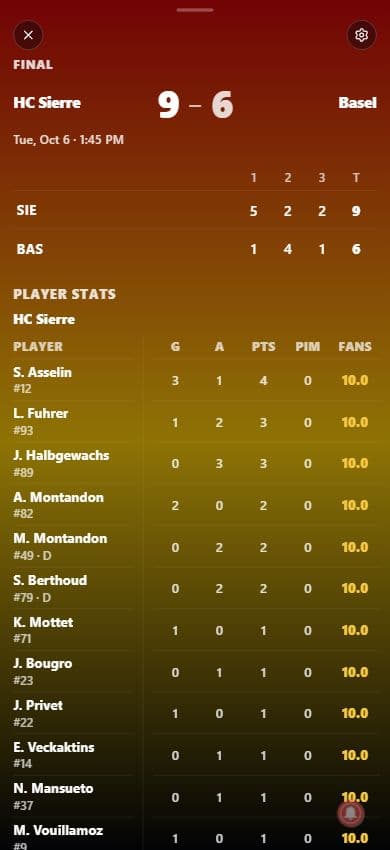
Screen 1 of 3
Coverage varies by club, league and fixture. Live stats, play-by-play, roster detail and match insights depend on the information available for that competition.
Before
Check the roster, league standings and next fixture. Know who is playing and when to tune in.
During
Open the match for the available score, stats and plays, and join the conversation in ChirpChat.
After
Find the result in your club’s Matches tab, then return to LockerRoom to talk it through with fans.
Make it your game day
Find your team in HQ and follow the next chapter of its season.
Opens the web app in a new tab.
Take your match-day thoughts to the fan feed, follow your community and have your say in polls.
Explore LockerRoomFind digital packs, organize your binders and trade with fans in the Market.
Explore the Market
